English
 Translate
Introduction
Update history
| Date | Version | Author | Update content |
|---|---|---|---|
| 2026-10-27 | v0.1 | lxowalle | Initial release |
MaixSense D640 is a stereo depth camera module from Sipeed. Two global-shutter cameras capture images, and the module calculates depth internally. It sends depth and stereo images over USB for spatial sensing, desktop distance measurement, and robot vision.
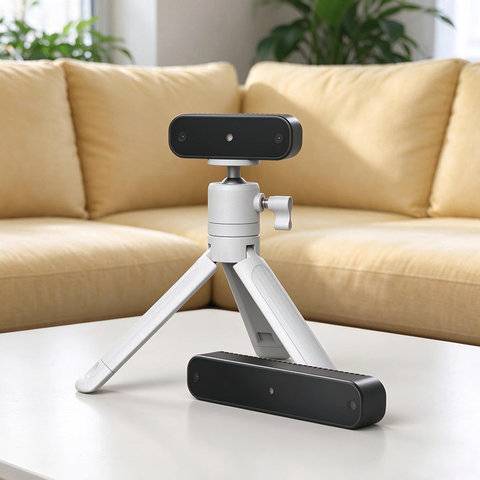
Key features
- On-device depth processing: Receive depth and stereo images over UVC without calculating stereo depth on the computer.
- Two baseline options: Choose 50 mm for close-range work or 100 mm for longer distances.
- Global-shutter stereo capture: Capture matching depth and left/right grayscale images as synchronized frame sets.
- Image and point cloud viewing: Preview video in a browser, or use the desktop app for distance measurement, 3D viewing, and PLY export.
- Tools for development: Save synchronized snapshots, record depth data in MCAP, and integrate the camera through the C/C++ SDK or ROS2 driver.
Choose a hardware version
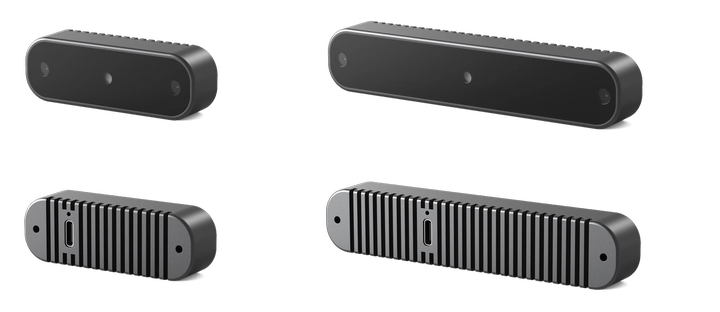
The baseline is the distance between the two cameras. Choose it to match your working distance:
| Version | Measurement range | Typical use |
|---|---|---|
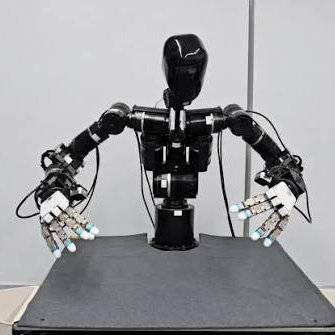
| Short baseline, 50 mm | 0.25–2.0 m | Robot wrist mounting, close-range sensing, desktop measurement |
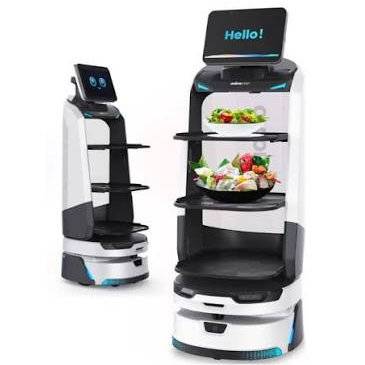
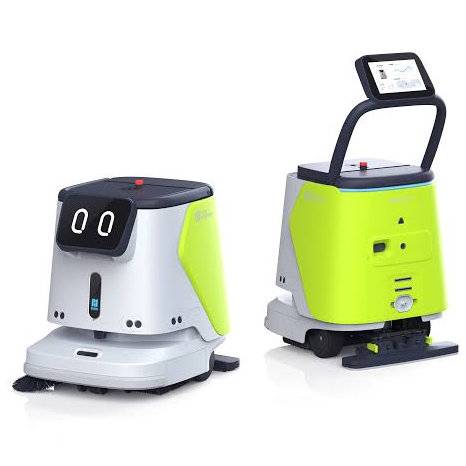
| Long baseline, 100 mm | 0.5–4.0 m | Robot head mounting and medium-range sensing on cleaning, lawn-mowing, or service robots |
Example applications:
 |
 |
 |
 |
Specifications
| Item | Specification |
|---|---|
| Processor | Dual-core processor with integrated 2.4 TOPS NPU |
| Image sensors | Two global-shutter sensors, 640 × 480 pixels each |
| Optical filter | Dual-band 650 nm / 850 nm bandpass filter |
| Depth resolution | 640 × 384 pixels |
| Depth frame rate | 12 fps |
| Infrared frame rate | 30 fps |
| Baseline | Short: 50 mm. Long: 100 mm |
| Measurement range | Short: 0.25–2.0 m. Long: 0.5–4.0 m |
| Field of view | 57° horizontal × 43° vertical, 70° diagonal |
| Data interface | USB 2.0, USB Type-C connector |
| Power | 5 V DC, supply capable of at least 0.5 A |
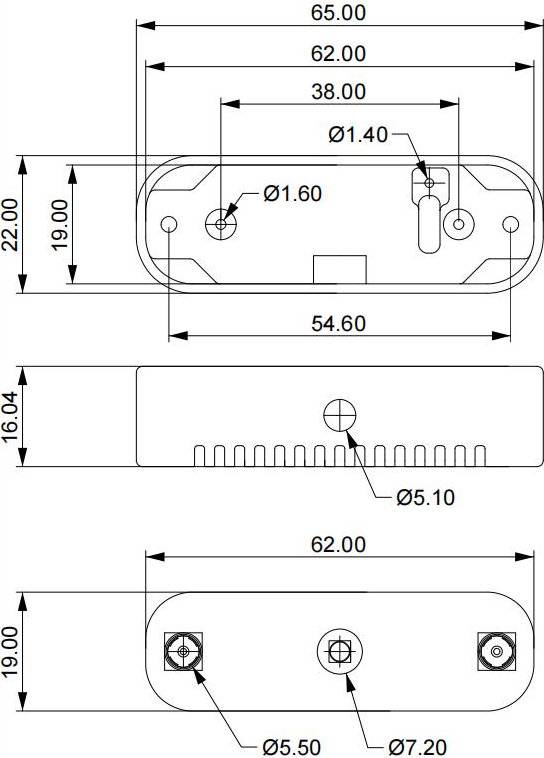
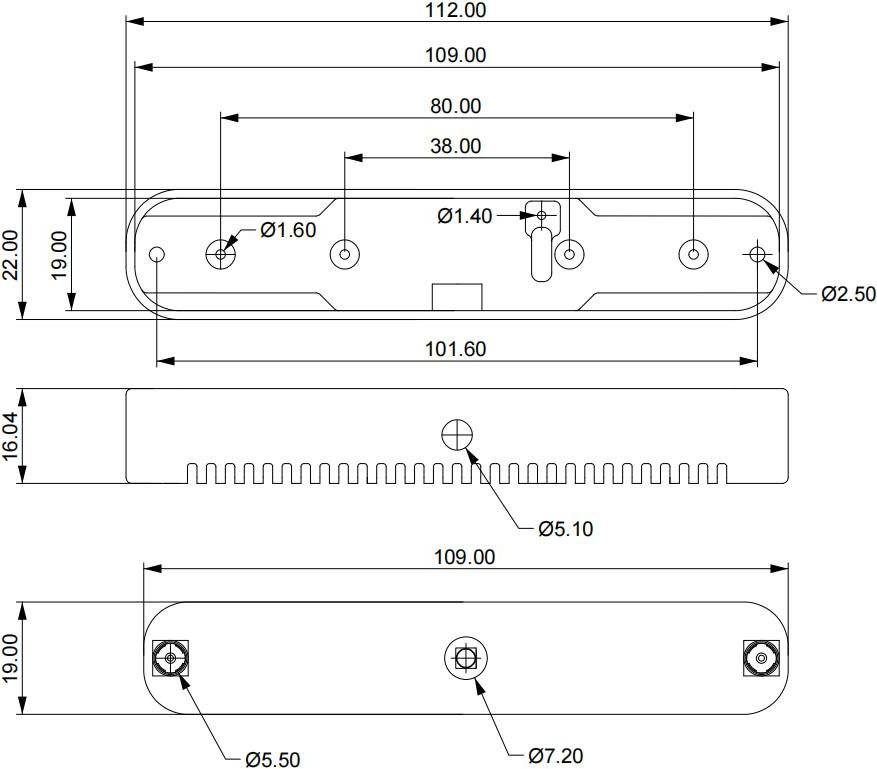
| Dimensions | Short: 65 × 22 × 16.04 mm Long: 112 × 22 × 16.04 mm |
| Weight | Short: 35 g Long: 60 g |
Short baseline:
Long baseline:
Software and guides
Start with Quick Start to connect the camera. Use MaixSense Tool to view images, measure distances, or record depth data. Open the D640 online preview to view one video stream in a browser. Use the SDK for programming.
| Tool | What it does |
|---|---|
| Online preview | View and record a pseudocolor or infrared video stream. See Quick Start |
| MaixSense Tool | Desktop viewing, distance measurement, point clouds, snapshots, MCAP recording, and device updates. See Desktop App Guide for Windows, Linux, and macOS availability |
| SDK | C/C++ capture, synchronized frame sets, filtering, and point clouds. See SDK Guide |
| ROS2 | View images and point clouds, save data, and record sensor messages. See ROS2 Guide |
| Agent | Capture images, save files, and check results through a conversation. See Agent Guide |
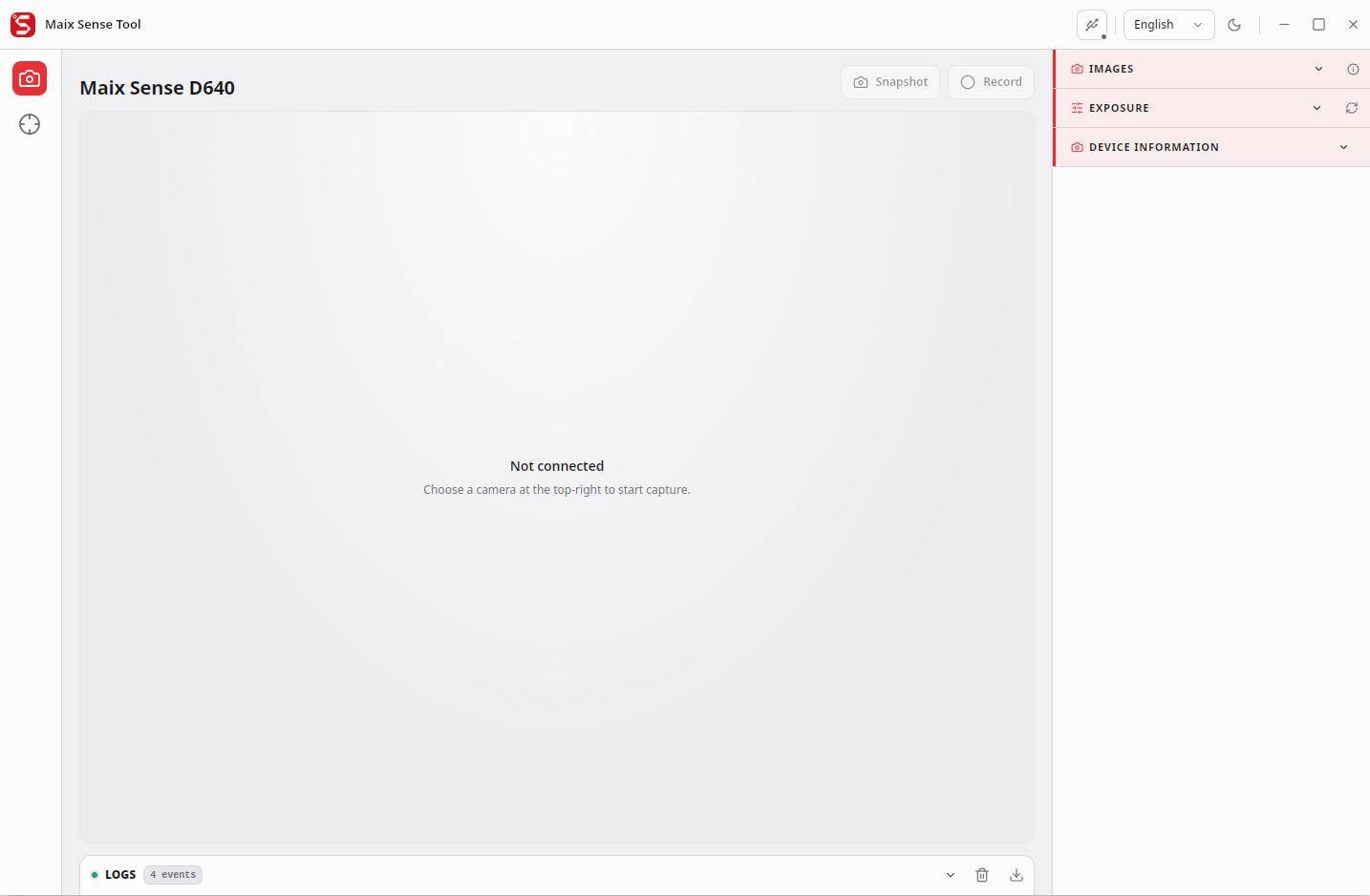
Image outputs
Use raw depth for measurement and point clouds. Use the device's pseudocolor stream for a convenient view of relative distance.
| Output | Format | Resolution | Frame rate | Use |
|---|---|---|---|---|
| Raw depth | Z16/Y16 | 640 × 384 | 12 fps | Millimetre distance values for measurement and point clouds |
| Pseudocolor preview | MJPEG | 640 × 384 | 12 fps | Color represents distance. This stream cannot provide metric depth |
| Left infrared | MJPEG | 640 × 480 | 30 fps | Left camera grayscale image |
| Right infrared | MJPEG | 640 × 480 | 30 fps | Right camera grayscale image |
Raw 16-bit depth often looks dark when displayed directly as grayscale. This is expected: the pixel values represent millimetres rather than normal image brightness.

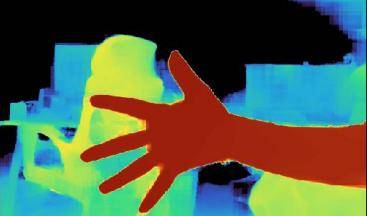
The camera's raw depth and device-generated pseudocolor streams cannot be enabled together. The desktop app and ROS2 can instead colorize raw depth on the computer while retaining the original depth values.
Next steps
- Connect the camera: Quick Start.
- View images and measure distances: Desktop App Guide.
- Integrate it into your program: SDK Guide.